Arabic & English — phone and desktop

Your calm assistant — words that turn into work

Text, voice, images, and video — one account, clear credits. Ask in your own words; receive an answer you can read, hear, and see.

Start chattingExplore features

Free sign-up via Auth0 — you enter inside the app.

  • Secure sign-invia Auth0
  • Clear creditspay for what you use
  • Wherever you arephone and desktop

TechQ • Assistant — illustrative

Explain inflation like I am five…

Inflation, simply

Imagine your allowance buys three candies today, but only two tomorrow — prices rose, money buys less. That is inflation.

Listen
Illustrative imagePreparing…
What a work artifact looks like inside the app: text you can read and hear, with media preparing beside it.

Every output — a work artifact

  1. TextreadableOrganized answers in clear language
  2. VoiceaudibleAny reply becomes Arabic speech
  3. ImagevisibleDescribe it in words and get it
  4. Videowatchablewith a plan you confirm first

From the real app

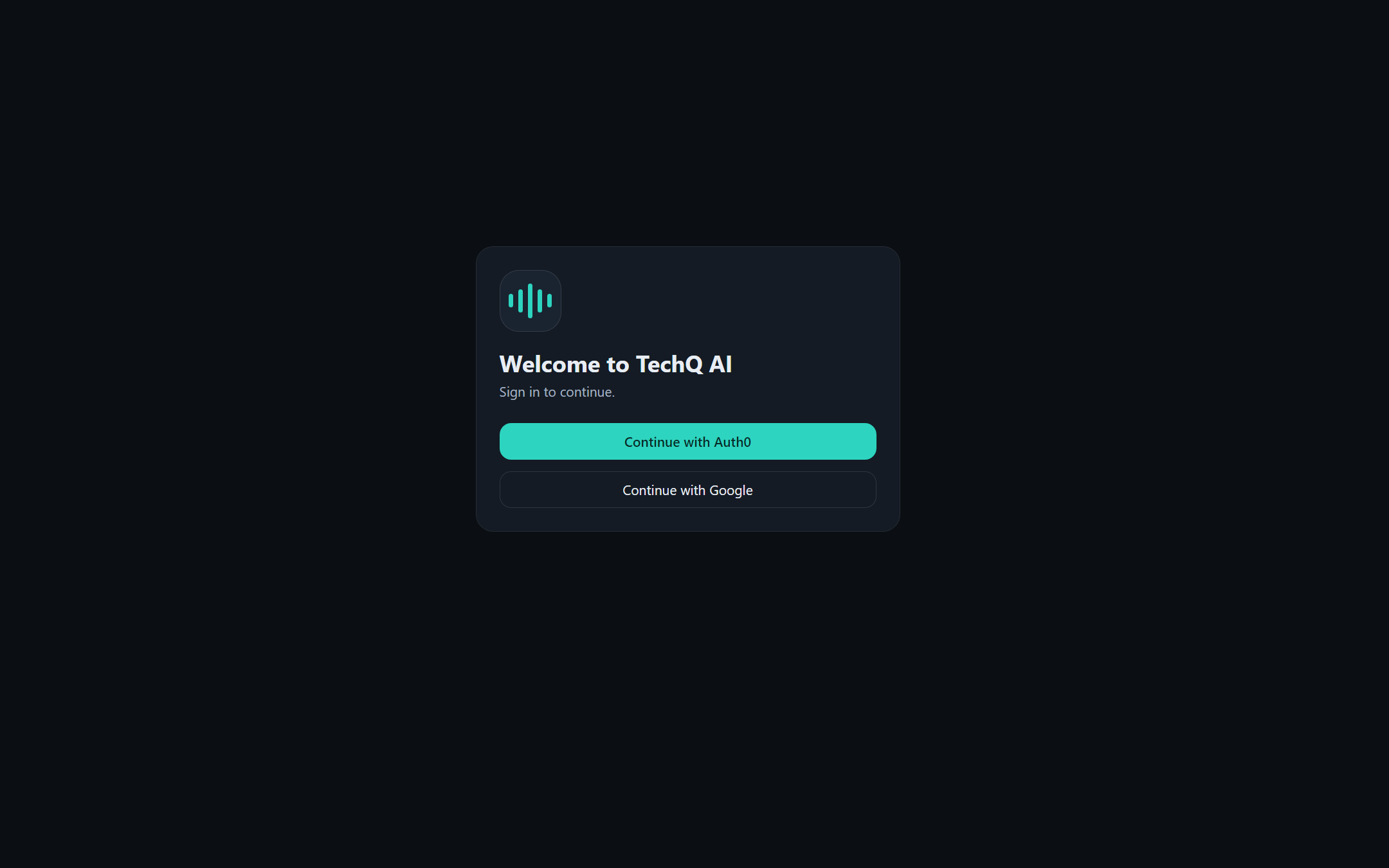
This is how sign-in really looks

A genuine screenshot of the published app: the Auth0 sign-in gate — no local passwords.

This is how sign-in really looks
Real screenshot from https://app.techqai.co/ — the sign-in screen. Chat and voice screens require an authorized account and are not captured yet.

Chat

Conversation that flows — history that stays

Type your question and watch the answer stream in, while your conversations stay ordered newest-first for anytime return.

  • Instantly streaming replies as they generate
  • History ordered newest-first
  • Starter suggestions when you do not know where to begin

Arabic voice

Speaks your language — and reads back

Tap the mic, speak Arabic, and your words go as a message; listen to any reply and replay it whenever you like.

  • Arabic voice input sent as a message
  • Audible output for any reply
  • Saved replay without regenerating

Images & video

Describe in words — receive your scene

Ask for an image and it generates inside the chat; ask for a video and its plan is shown to you first for confirmation before credits apply.

  • Images generated from your description
  • Video with a pre-confirmation plan
  • Live status: queued → preparing → ready

Web search

Answers connected to the world

When your question needs fresh information, the assistant searches the web and folds the result into its reply — without leaving the chat.

  • Live search only when needed
  • Results woven into the reply
  • Available on the free plan

Why TechQ

Four capabilities — one calm experience

Flowing chat

Instant replies and history ordered newest-first.

Available

Arabic voice

Speak and be understood; listen to any reply.

Available

Images & video

From your words — video with prior confirmation.

Web search

Fresh facts folded into the reply when needed.

Available

Plans

Start free — pay only for what you use

Chat, voice, and search are for everyone. The paid plan adds image and video generation — plus stronger chat models (details being finalized).

Free

0

  • Chat on the core models
  • Voice in and out
  • Web search

For light everyday use.

Usage credits

Pay per use

  • Everything in Free
  • Stronger chat models (being finalized)
  • Image generation
  • Video with prior confirmation

Credits apply on successful execution only.

No final prices and no forced subscription — and any future billing will be announced clearly before activation. The gap between plans covers the chat models themselves, not just media.

Pricing page ←

Security

Your data is yours — your identity protected

  • Sign-in via Auth0 only — no local passwords
  • Conversations owned by you alone, seen by no one else
  • Content never enters diagnostic logs

Security page ←

Questions

Got a question? Here is a straight answer

Which languages does TechQ AI support?

Arabic first (including Arabic voice input) and full English — in the app and on this site.

Which devices does it run on?

Phones (Flutter app for Android and iOS) and computers (the web app) — same account, same data.

How do I use voice?

Tap the mic and speak; your words go as a message. Tap listen on any reply to hear it spoken and replay it.

Are image and video generation open to everyone?

No — they are on paid plans (usage credits), while chat, voice, and search are free.

All questions ←

Feel the calm yourself

Open the app, sign up free, and start your first chat within a minute.

Start chatting

Free sign-up via Auth0 — you enter inside the app.